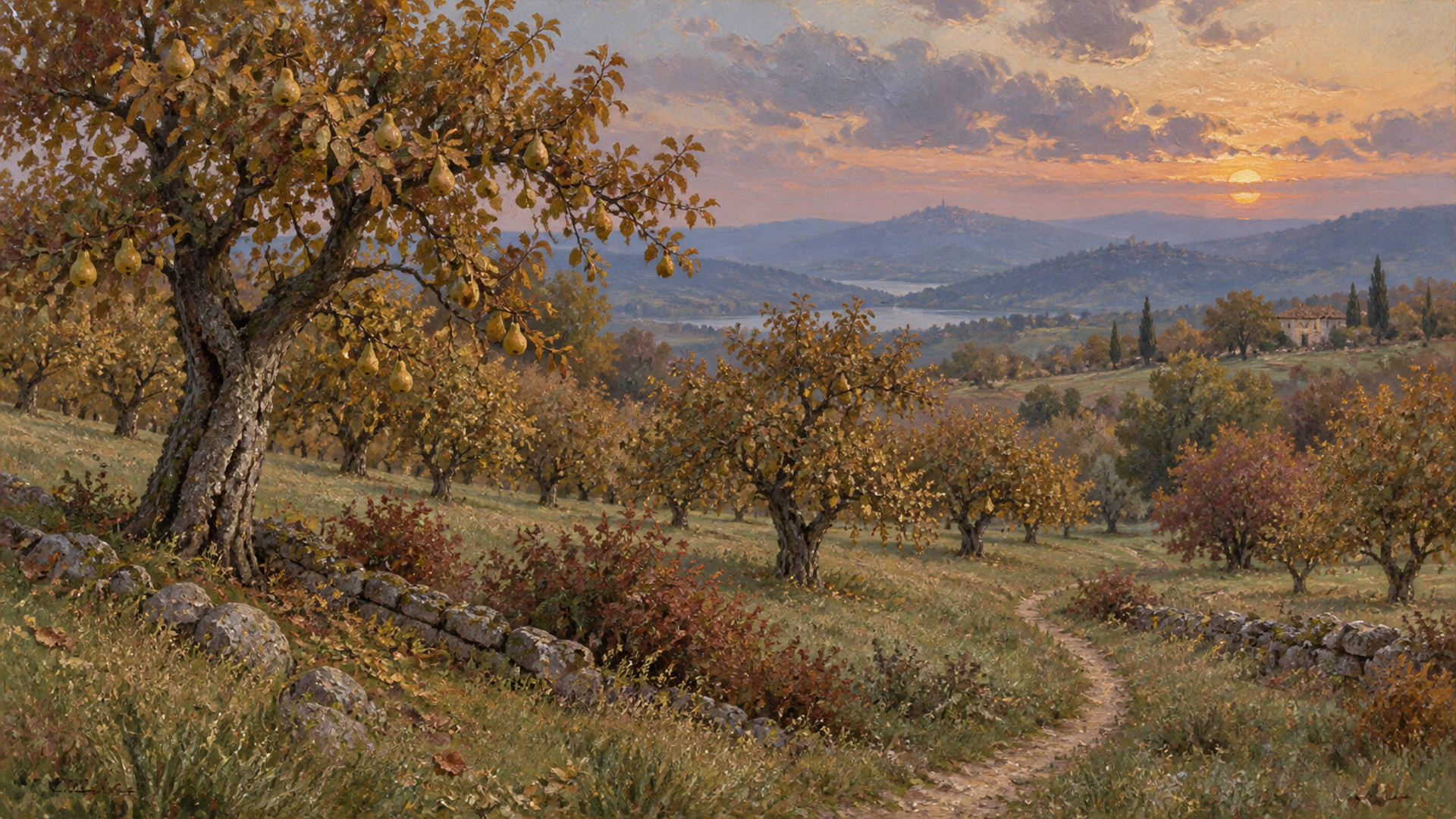
Autumn Orchard at Dusk
1920 × 1080 JPEG · free
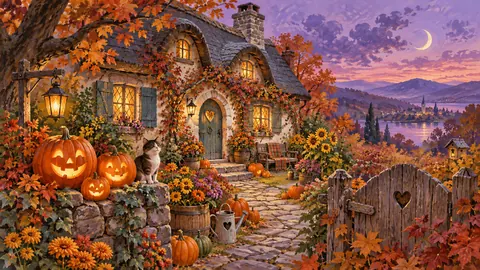
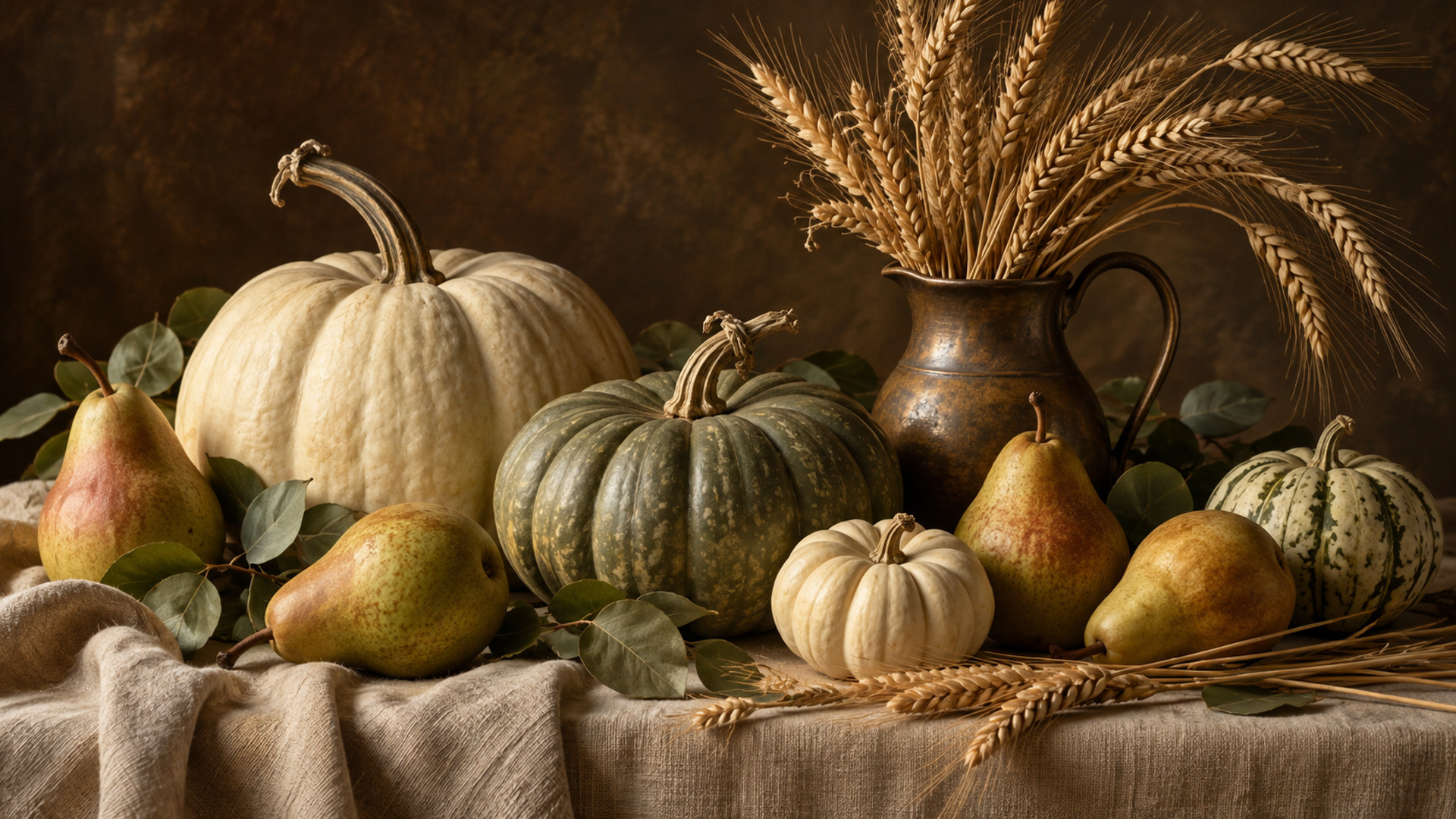
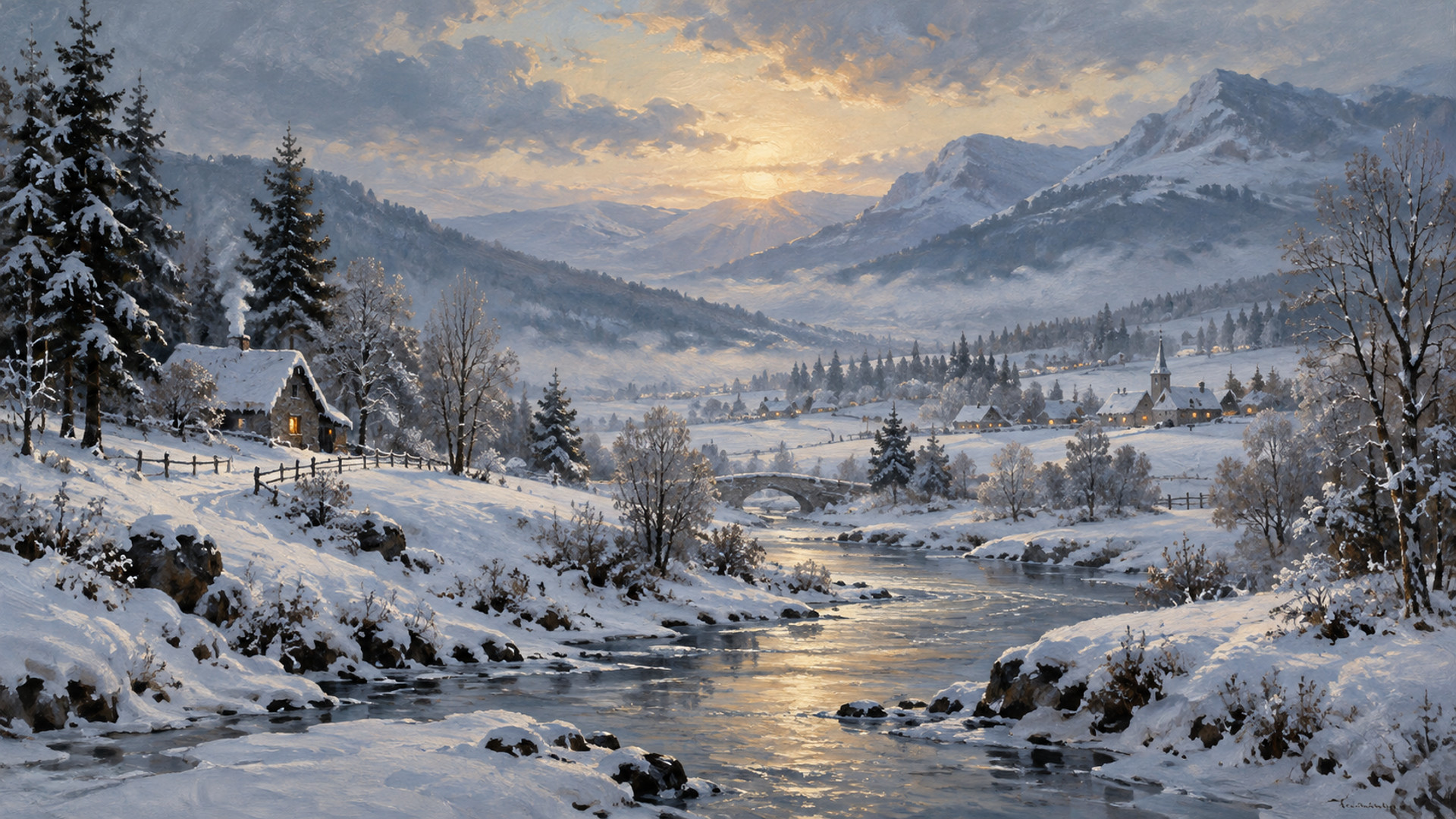
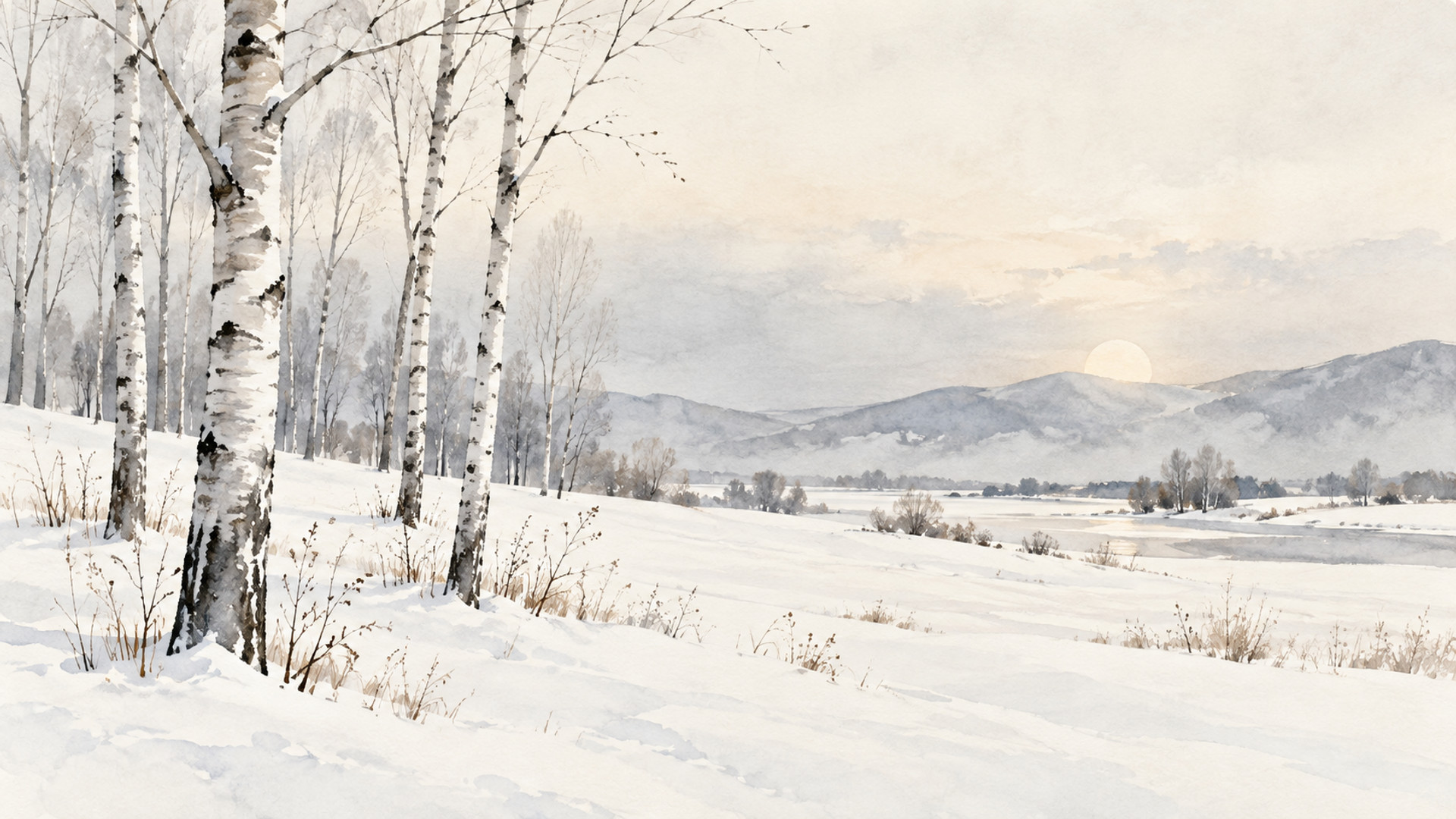
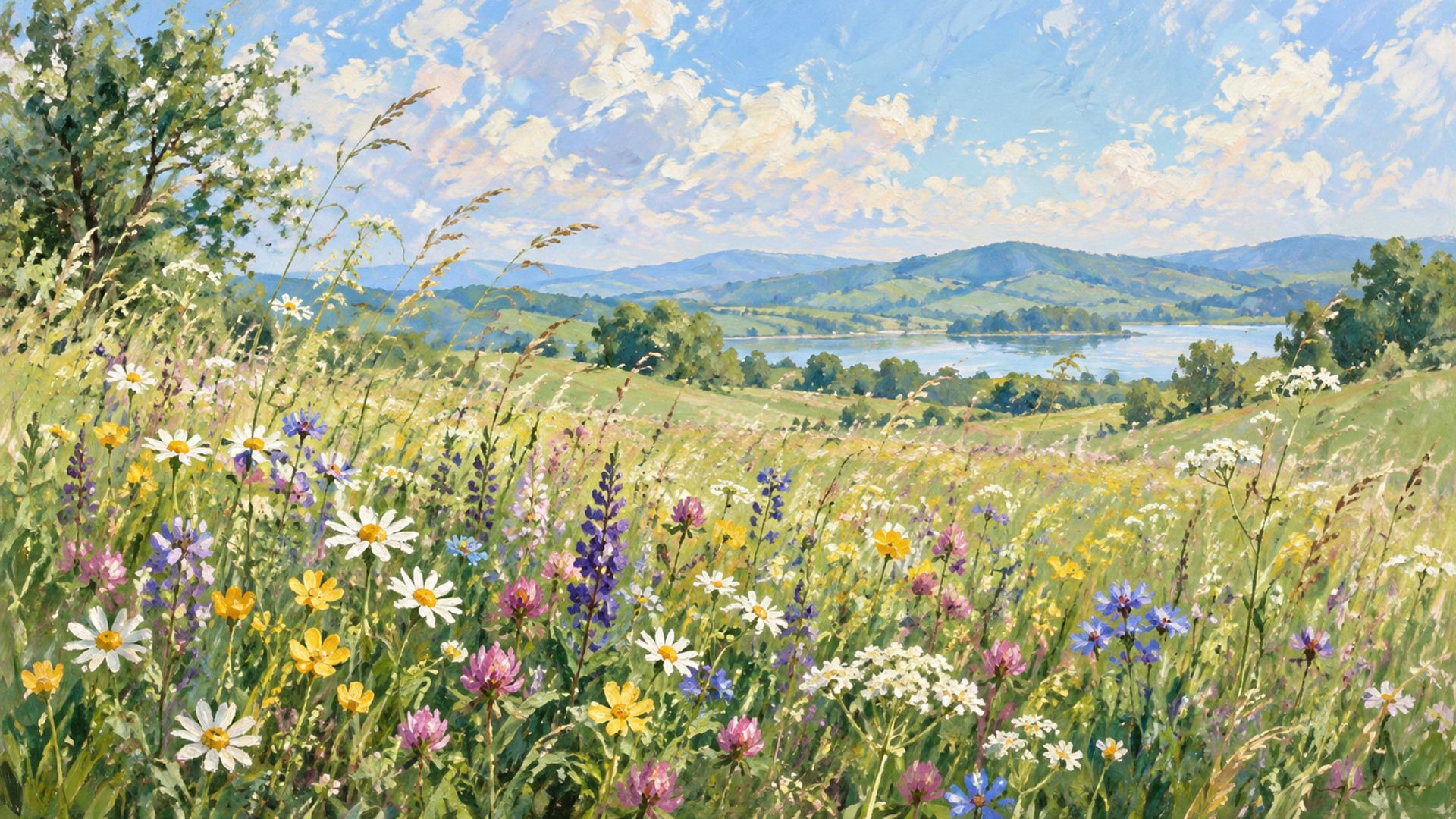
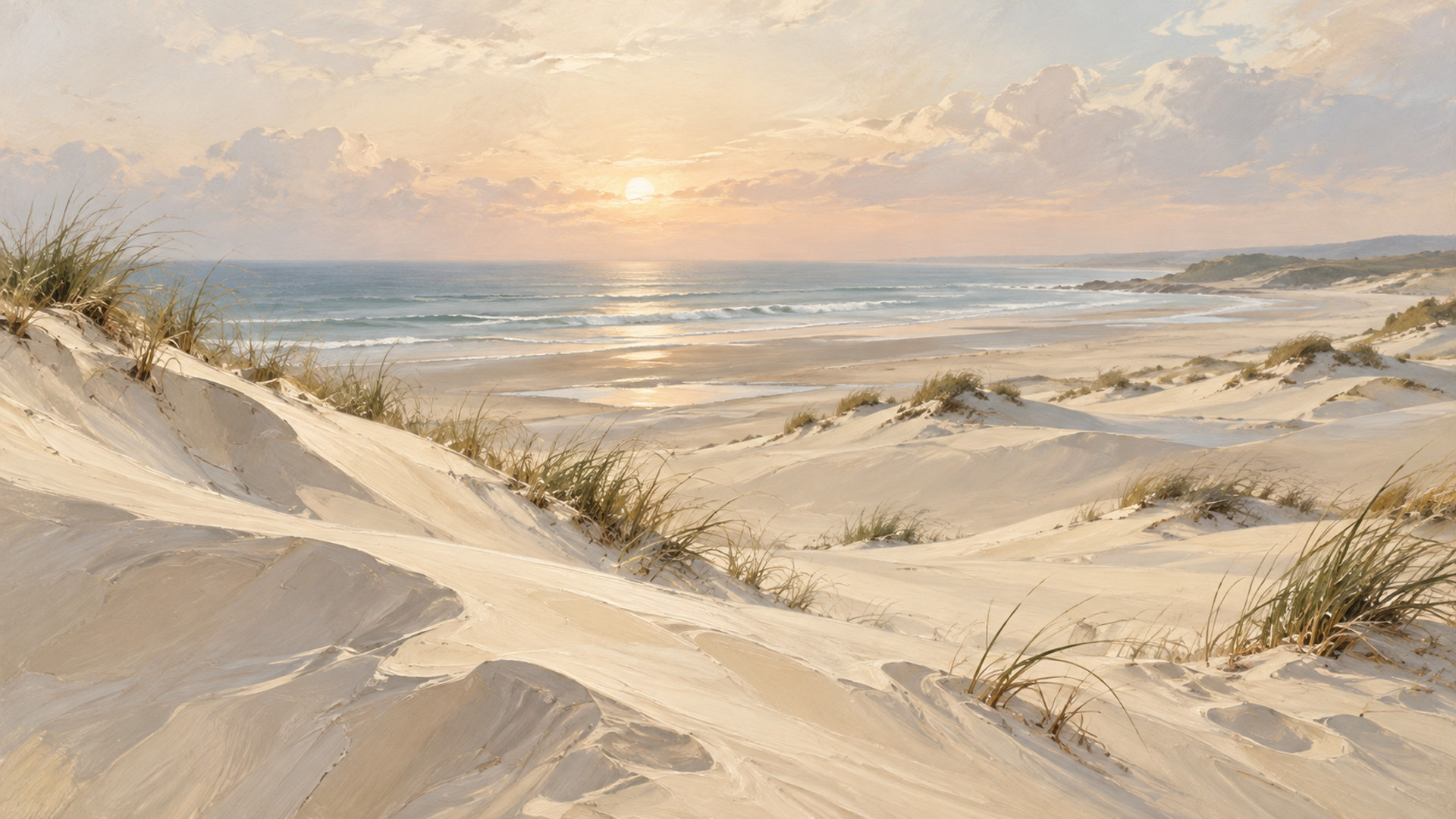
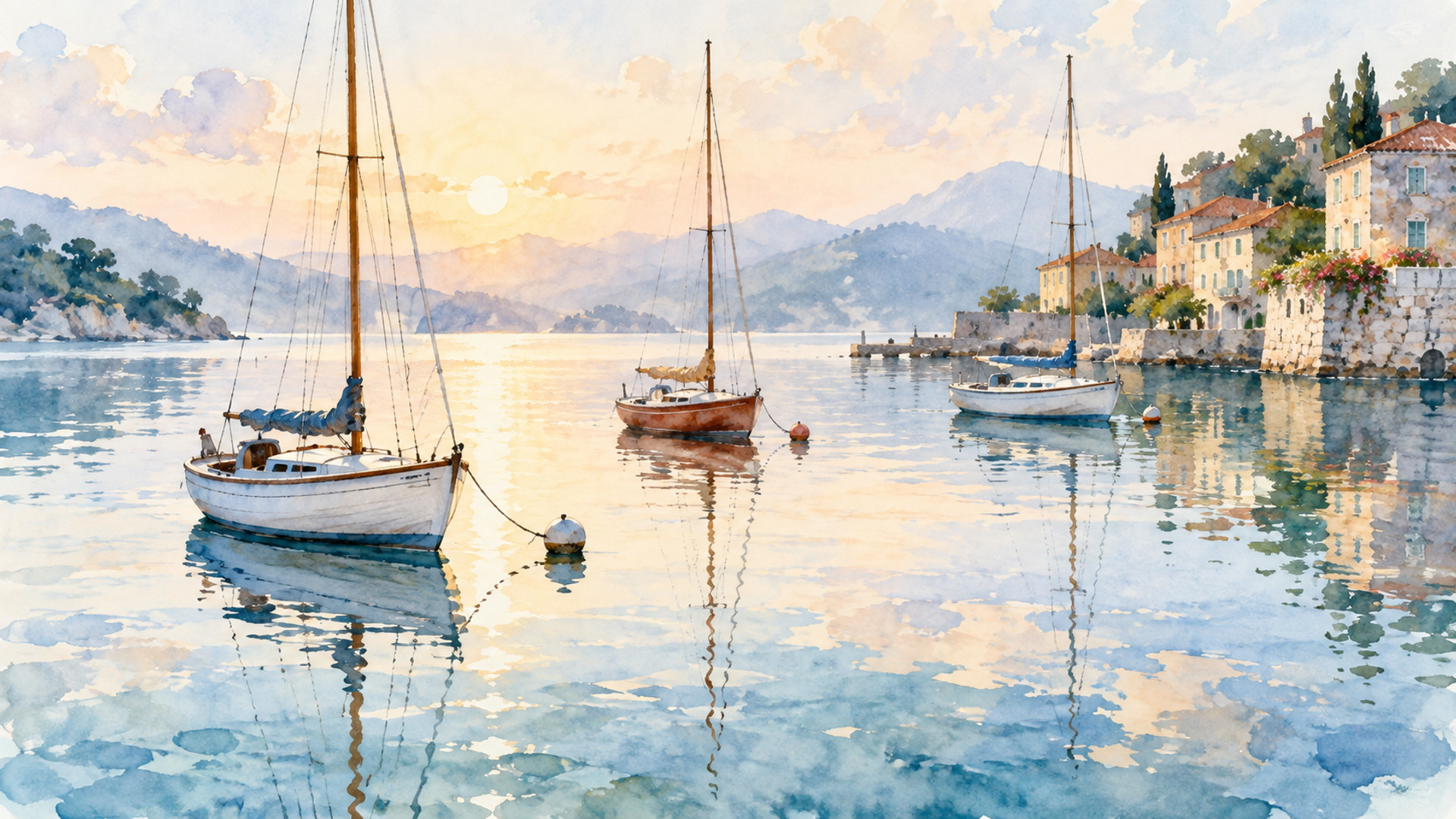
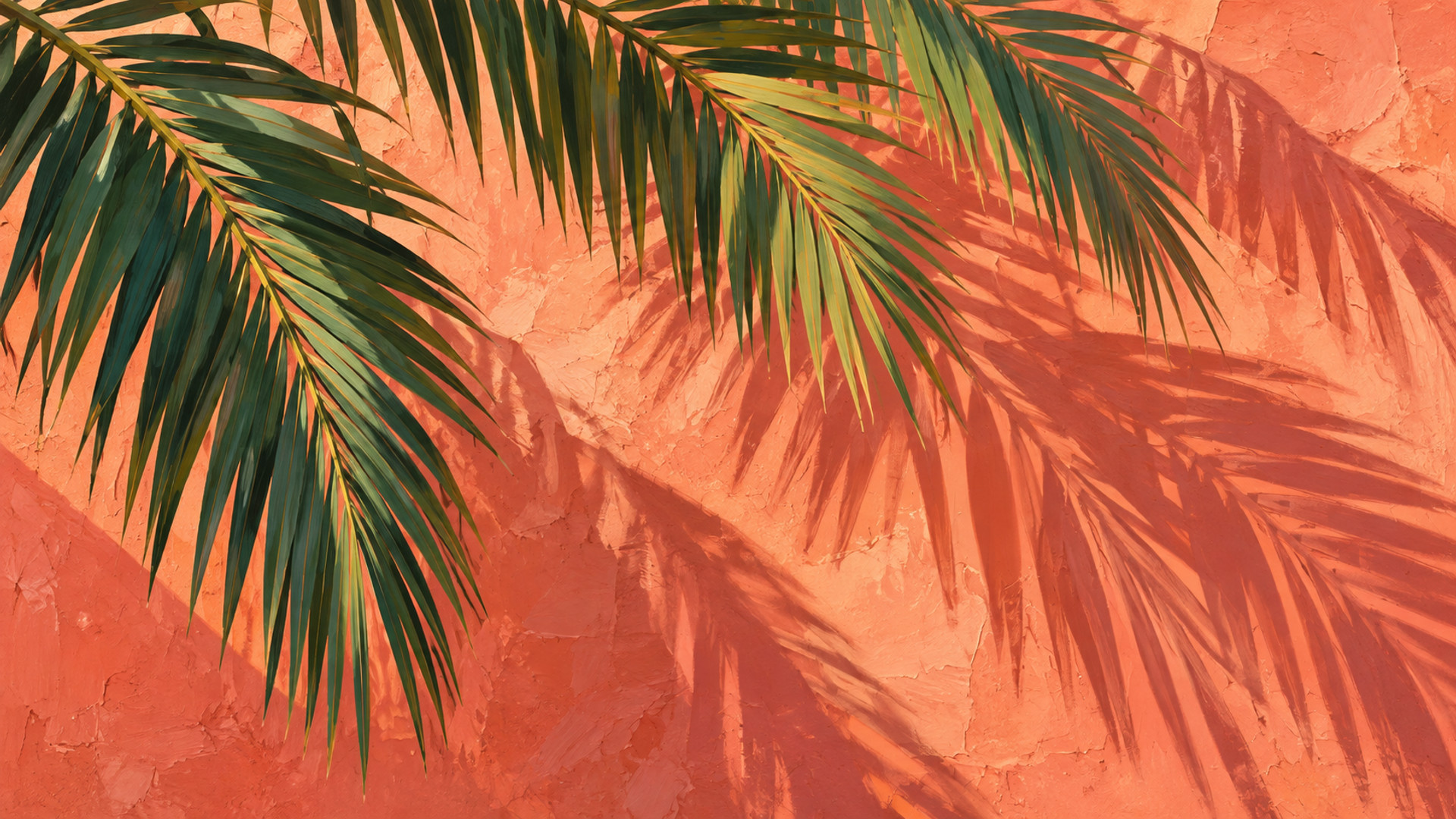
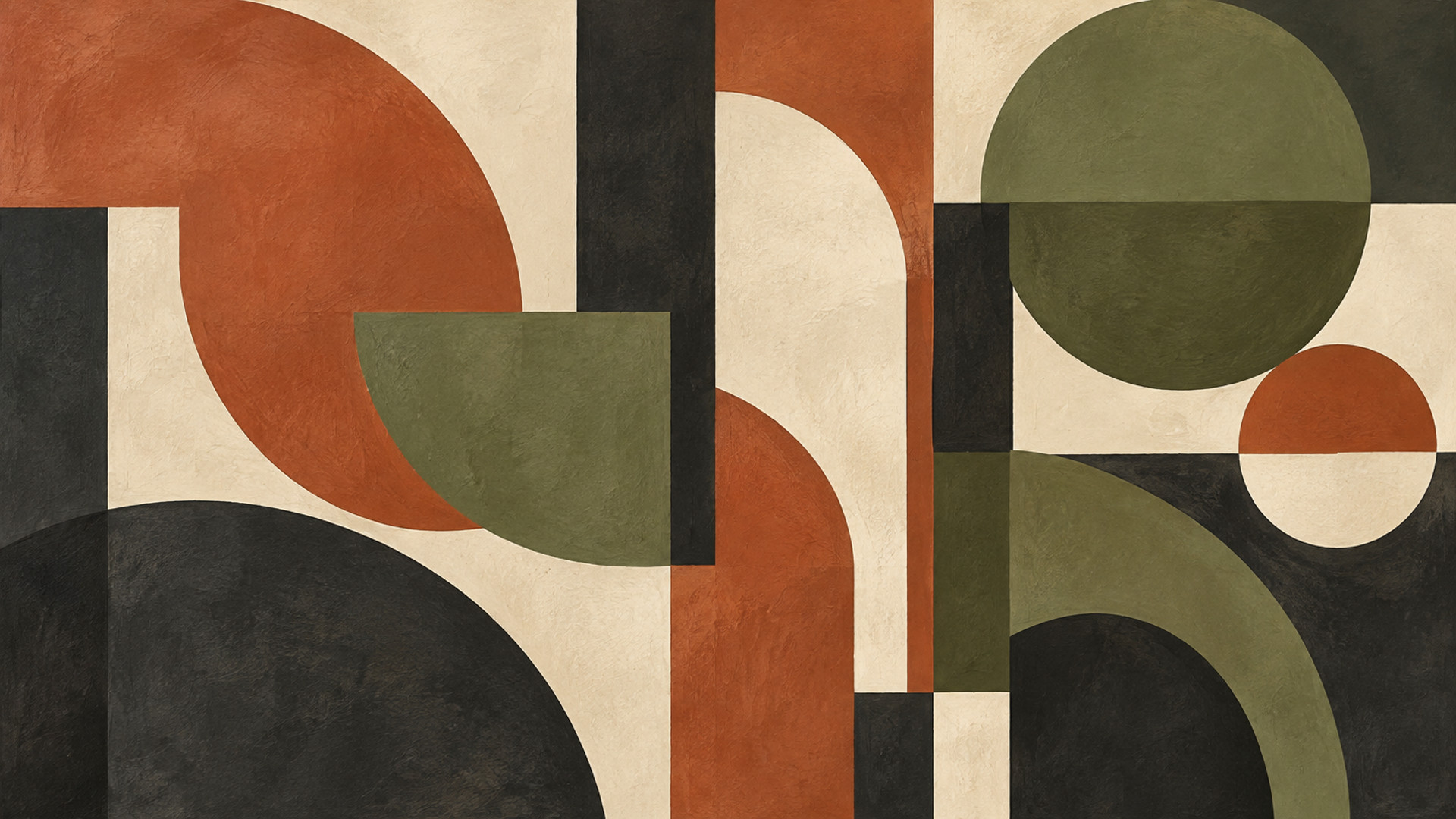
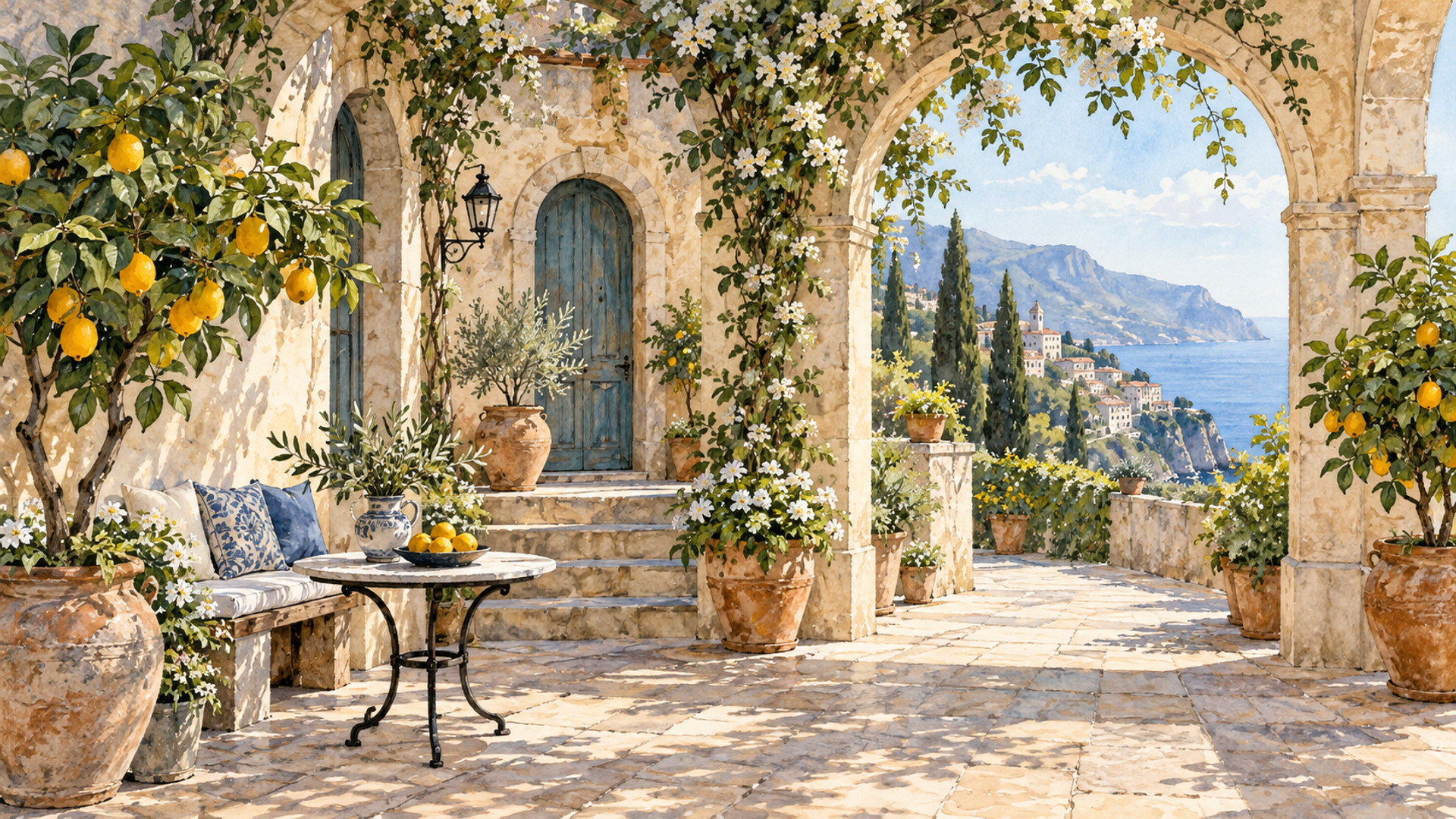
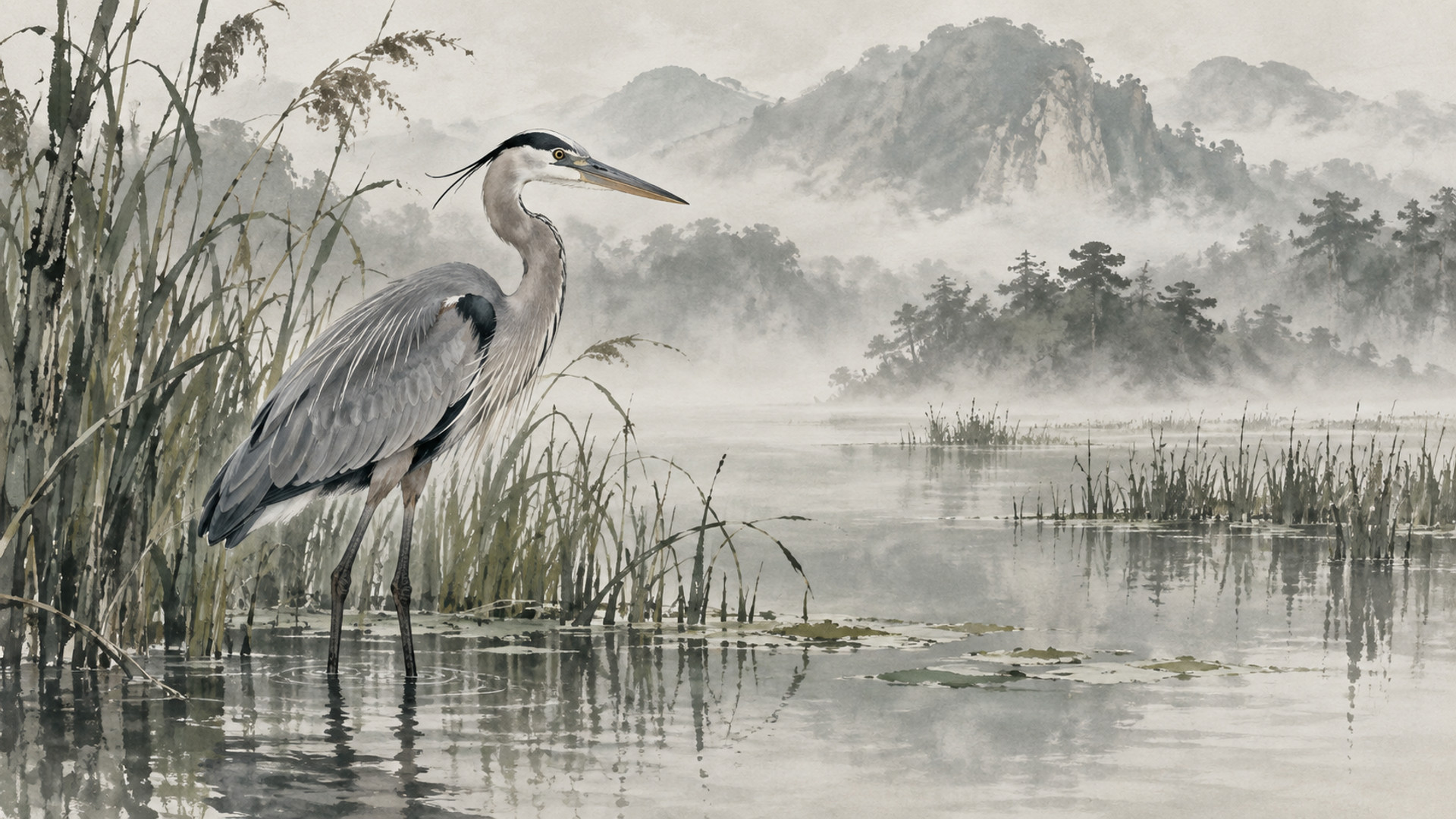
Thirty-six original designs you can download right now and display on a Samsung Frame TV – or any TV with an art or photo mode – for free. One from each collection plus four for every major season. No sign-up, no watermark, 1920 × 1080 JPEG.
Samsung's own free art is a small rotating set inside the Art Store, and everything else there is a $4.99/month subscription. Your own uploads are always free, and that is what these files are for. If you like them, the same designs are in the 1,000-piece bundle at full 3840 × 2160.
1920 × 1080 JPEG · free
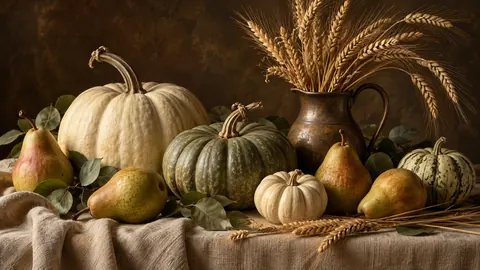
1920 × 1080 JPEG · free

1920 × 1080 JPEG · free

1920 × 1080 JPEG · free

1920 × 1080 JPEG · free

1920 × 1080 JPEG · free

1920 × 1080 JPEG · free

1920 × 1080 JPEG · free
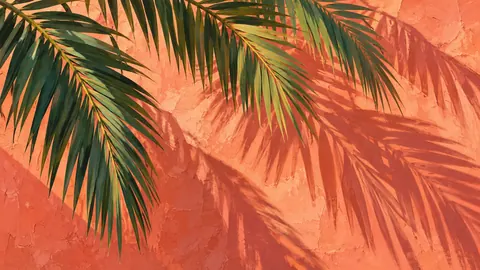
1920 × 1080 JPEG · free
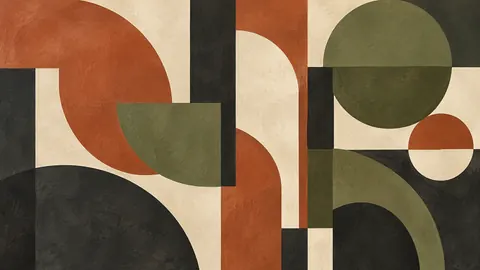
1920 × 1080 JPEG · free
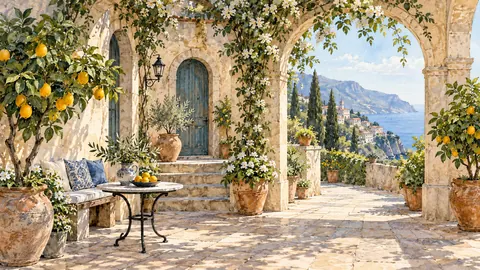
1920 × 1080 JPEG · free

1920 × 1080 JPEG · free
Free files are 1920 × 1080 for personal display on your own TV. The 4K (3840 × 2160) versions of these and every other design are in the bundle.
Four free designs for each season, on the season's own page.
Click Download on any design above. Files save as 1920 × 1080 JPEGs, which the Frame displays at full screen.
SmartThings app → your Frame → Art Mode → Add your photos; or copy the files to a USB stick, plug it into the One Connect box and import from Art Mode. Full upload guide.
A warm-white matte and two notches less brightness make a 1080p file look like a canvas. How to make Frame TV art look real.
Every design on this site is included: 12 collections, 12 seasons and occasions, delivered as 3840 × 2160 JPEG (4K, 16:9, sRGB). One download, no subscription – yours to keep on Samsung The Frame or any 4K TV.
Yes. Every file on this page is a 1920 × 1080 JPEG you can download and display on your own TV with no sign-up, no email and no watermark. The only difference from the bundle is resolution (the bundle is 3840 × 2160) and the number of designs.
Samsung ships The Frame with a small selection of free pieces and usually a free trial of the Art Store (length varies by model, retailer and promotion – Costco bundles have included longer trials). After the trial, Art Store access is $4.99/month or $49.99/year. Uploading your own files, including these, is always free.
In Art Mode, open the Art Store section and look for the "Free" or complimentary collection; it rotates. Your own uploads live under My Collection / My Photos.
Download the JPEGs below, then upload them with the SmartThings app (Art Mode → Add your photos) or from a USB stick. Our upload guide walks through it.
Yes – they are ordinary JPEGs. See art for any TV for where each brand hides its photo or gallery mode.
The Frame upscales 1080p cleanly, so these look good on any size; the 4K originals are reserved for the bundle so the free set stays free.
Yes – four free designs each for Christmas, Halloween, fall, winter, spring and summer are linked below and on each seasonal page.