
Landscape
175 designs
1,000 original artworks for Samsung The Frame and any 4K TV – landscapes, abstracts, botanicals, still life and a full year of seasonal art – delivered at 3840 × 2160, the Frame's native resolution. One bundle, no subscription.

Frame TV art – also searched as Samsung Frame TV art, TV frame pictures, TV frame art or TV frame images – is simply a 3840 × 2160 JPEG the TV shows in Art Mode instead of a black screen. Samsung's Art Store rents you a catalogue; the files here are yours. Every frame TV picture on this site was composed for the 16:9 screen, with the subject kept clear of the bezel, and delivered at the Frame's native 4K. Samsung TV frame art, art for a TCL or Hisense frame TV, or a screensaver for any TV: same files, same result.
Twelve collections, each composed for the Frame's 16:9 screen with the subject kept clear of the bezel and matte.
175 designs
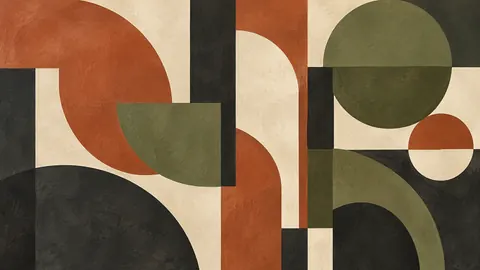
120 designs

132 designs

103 designs

113 designs

117 designs

110 designs

50 designs

36 designs

40 designs
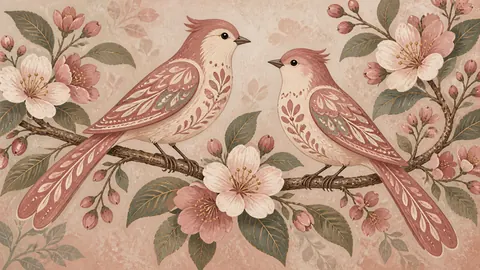
34 designs

237 designs
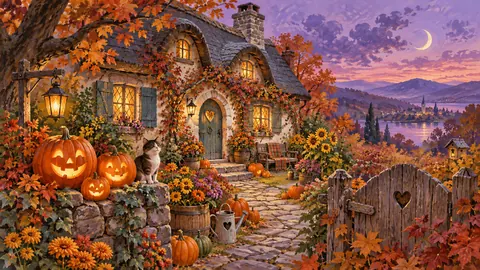
152 designs

113 designs
Change the wall with the calendar: Christmas, Halloween, fall, winter, spring and summer sets, each with free samples.

Classical still life
Folk painting
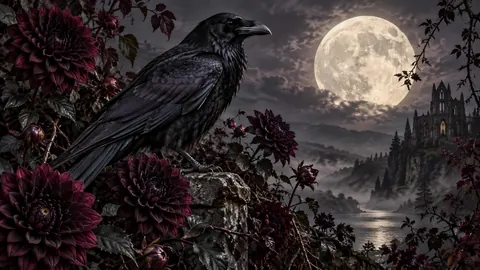
Gothic botanical
Minimalist oil
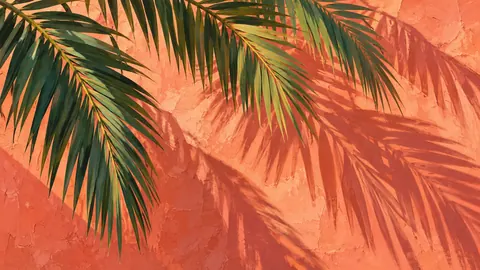
Graphic gouache
Architectural watercolor

Naturalist gouache
Atmospheric landscape
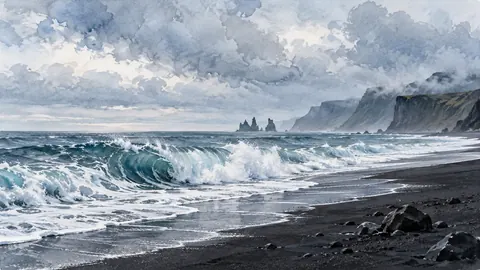
Coastal watercolor
Classical oil still life
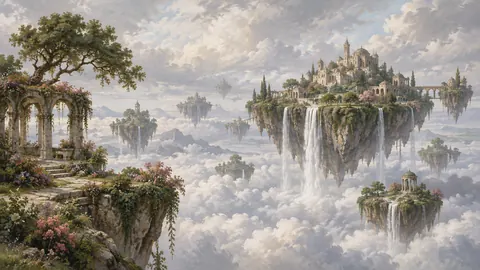
Magical realist oil painting

Minimal ink and wash
Every design on this site is included: 12 collections, 12 seasons and occasions, delivered as 3840 × 2160 JPEG (4K, 16:9, sRGB). One download, no subscription – yours to keep on Samsung The Frame or any 4K TV.
Every design is a 3840 × 2160 sRGB JPEG – the exact format Samsung recommends, so there is no resizing or cropping. Try the free samples first.
Open the SmartThings app, pick your Frame, tap Art Mode → Add your photos; or copy the files to a USB stick and import them in Art Mode. Step-by-step guide.
Lower Art Mode brightness a couple of notches, choose a warm colour tone and add a matte if you like. How to make Frame TV art look real.
The Samsung Art Store costs $4.99 a month (or $49.99 a year) for access to a catalogue you never own. A bundle is a one-time download you keep, upload once, and rotate forever. We compare both fairly – Art Store vs a Frame TV art bundle and what the subscription really costs.
SmartThings, USB and iPhone methods
3840×2160, aspect ratio, mattes
Motion sensor, sleep timer, HDMI-CEC fixes
Brightness, colour tone, sleep after
LG, Sony, TCL, Hisense, Roku, Fire TV
The Frame vs the alternatives
Frame TV art is a digital image – usually a 3840 × 2160 JPEG – that a Samsung Frame TV (or any TV with an art or ambient mode) displays when you are not watching TV, so the screen looks like a framed painting on the wall. Samsung sells a rotating subscription catalogue through its Art Store; you can also upload your own files, which is what this site provides.
Download the JPEG files, then upload them through the SmartThings app (phone) or a USB stick plugged into the One Connect box. They appear under My Collection in Art Mode. Our upload guide covers both methods with screenshots.
Samsung includes a small rotating set of free pieces and usually a trial of the Art Store. Beyond that, art is a $4.99/month subscription or your own files. We publish free Frame TV art you can download and keep.
3840 × 2160 pixels, 16:9, JPEG, sRGB. That is the native resolution of every 4K Frame; smaller files are upscaled and look soft, and other aspect ratios are cropped or letterboxed. See the dimensions guide.
Yes. The files are ordinary 4K JPEGs, so they display on LG, Sony, TCL and Hisense TVs with an art or gallery mode, on Roku and Fire TV photo screensavers, and on any TV that can show pictures from USB. See art for any TV.
It is a one-time purchase of 1,000 designs you keep, rather than a monthly fee for access to a catalogue. The comparison page sets out the differences honestly – the Art Store has museum reproductions we do not.